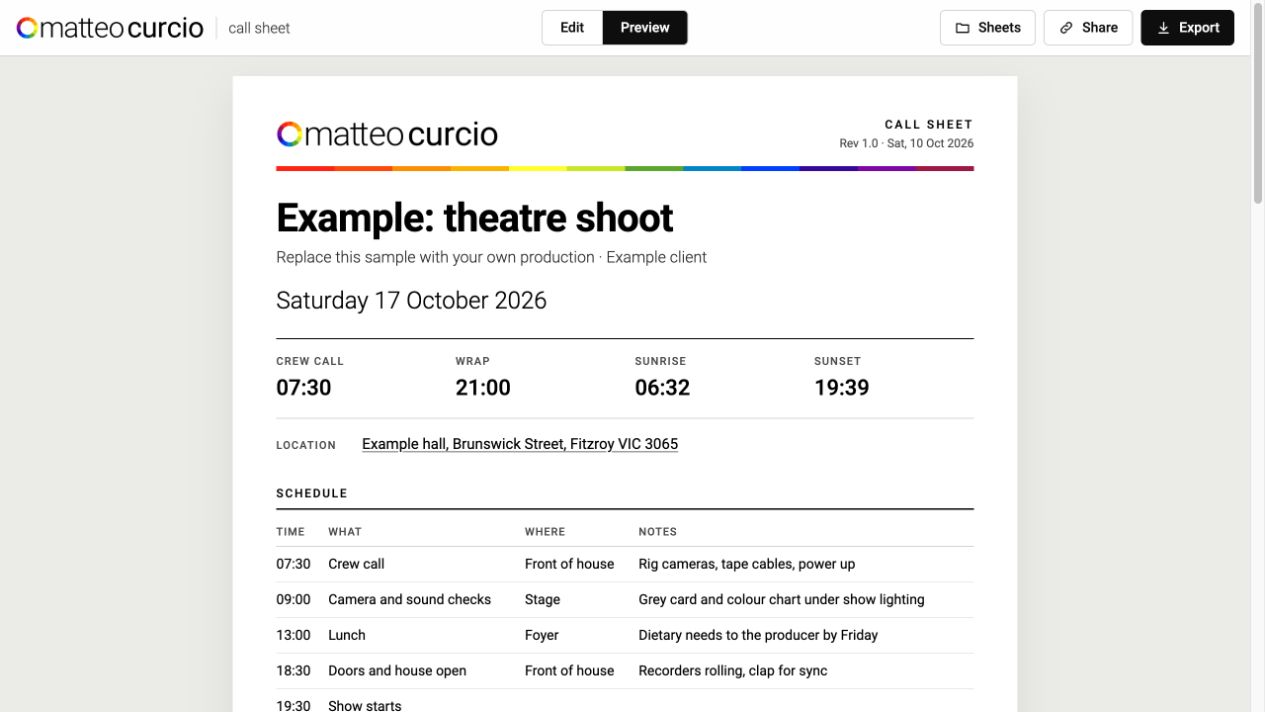
Call Sheet
A fillable call sheet that calculates light from the date and location, adds a forecast, and exports or shares the finished production plan.
Most of what is on this page started as a nuisance: a spreadsheet that couldn't tell me where a lens was, a transcript nobody could read, a homelab I couldn't see at a glance. Each one turned into a small tool, and most of them into an article about how it was designed and why.
The problems sit where my work overlaps: post-production, cybersecurity, interface design, and the practical business of running a studio. I solve them in the browser, in Python, on a Raspberry Pi, and increasingly with AI agents doing a lot of the typing.
Software & Hardware
Every card links to the write-up: the problem, the design decisions, and what I would change.
Utilities for the edit suite, the set and the classroom.
A fillable call sheet that calculates light from the date and location, adds a forecast, and exports or shares the finished production plan.
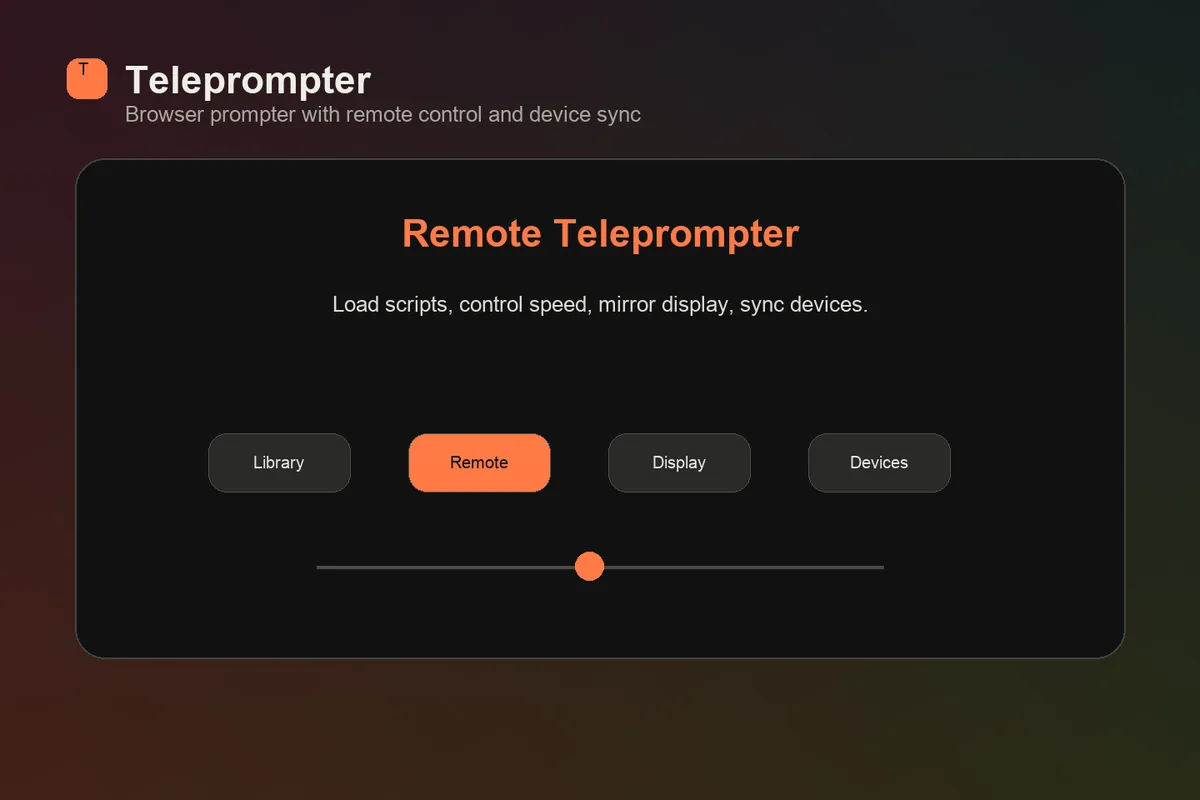
A browser teleprompter with script library, remote control, mirrored display mode, device coordination, and local-network behaviour designed for practical production use.
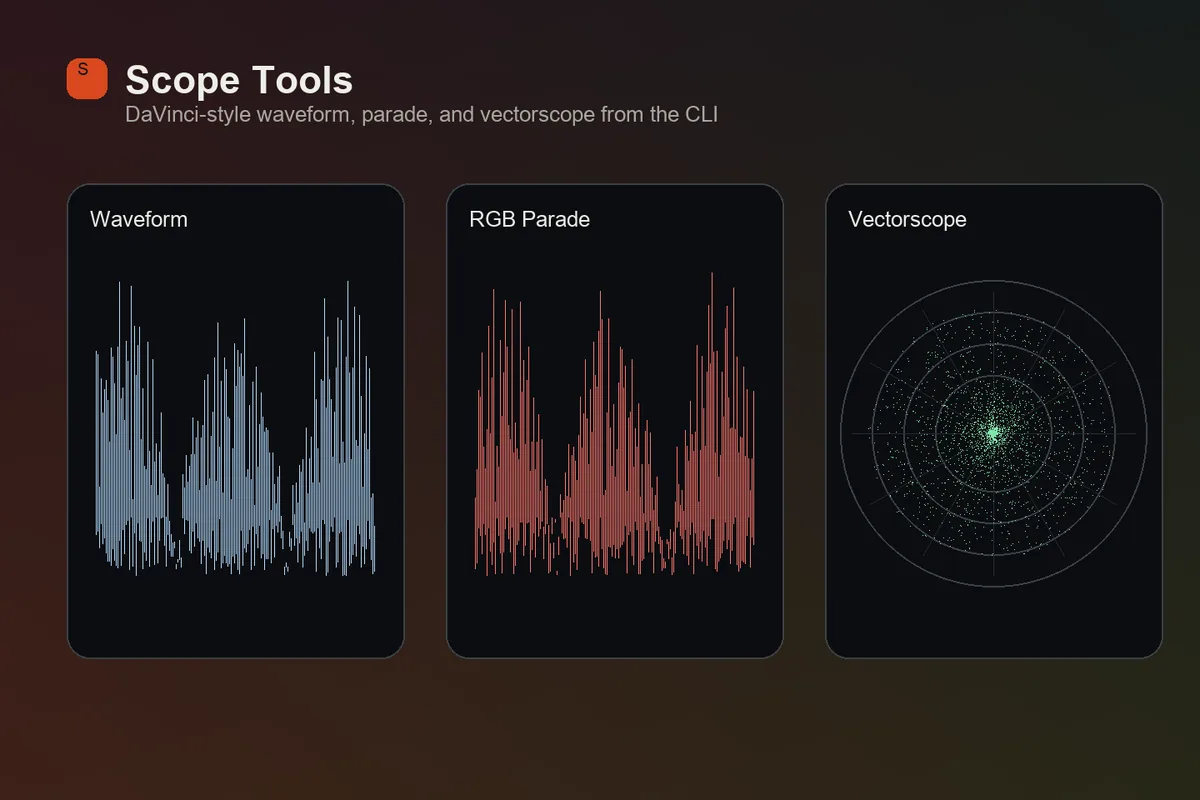
A scopes workflow for generating DaVinci Resolve-style waveform, RGB parade, and vectorscope images from still frames, useful for teaching, writing, and visual analysis.
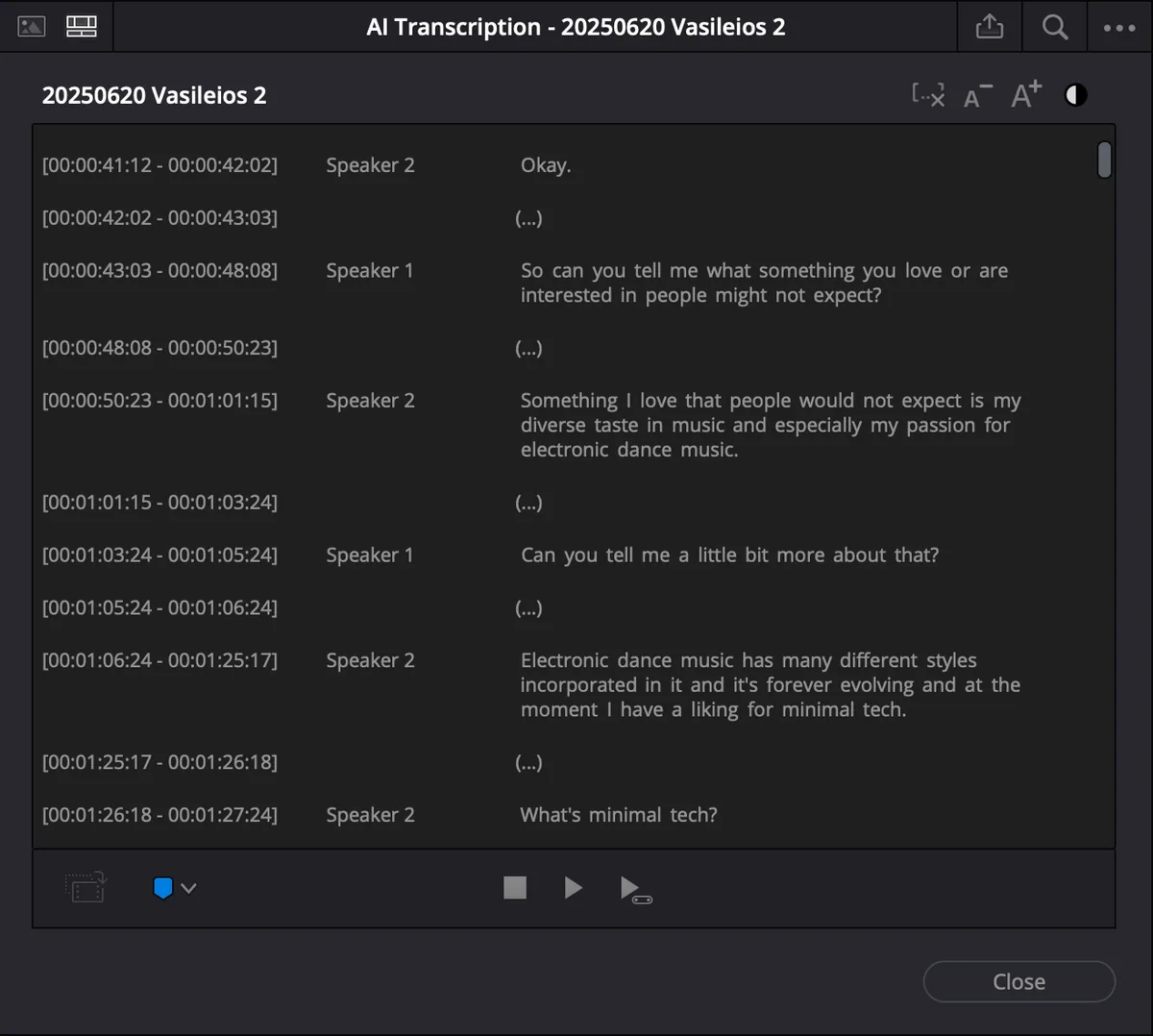
A small Python utility that turns DaVinci Resolve transcript exports into readable interview dialogue for editorial and publishing.
Personal tools that keep the data with the person it belongs to.
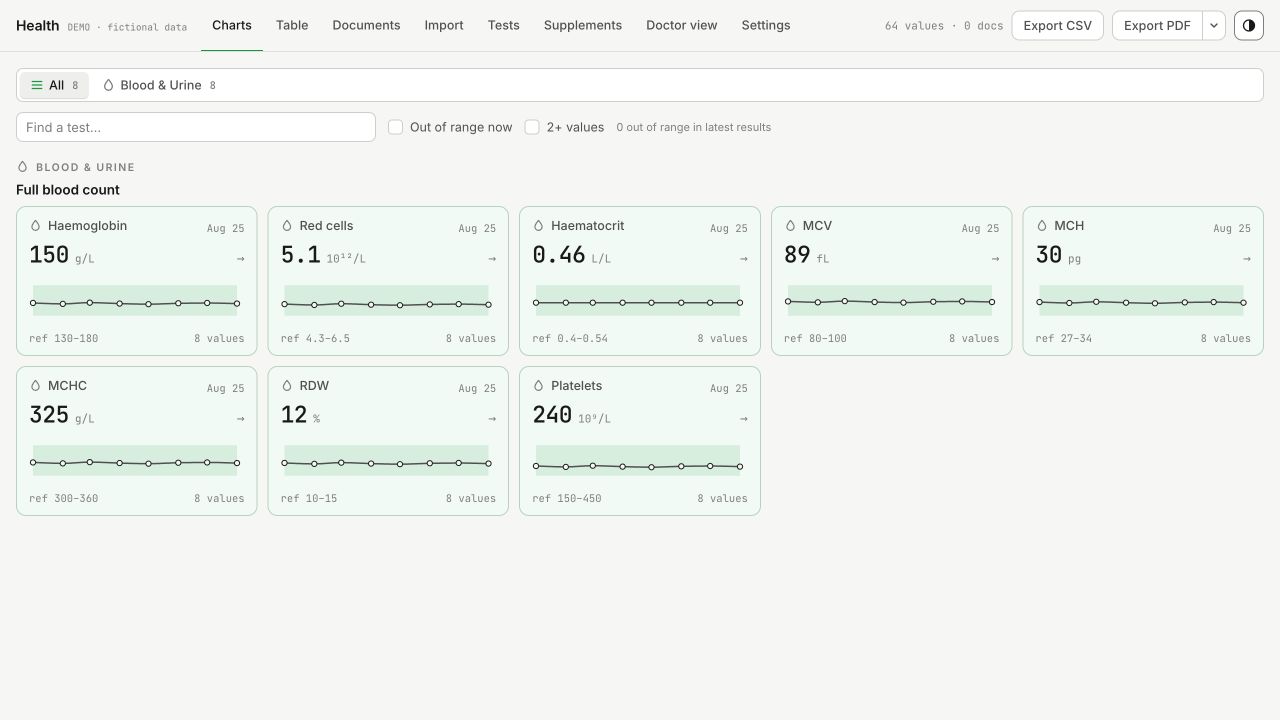
A private archive of results and source reports, with reference ranges, charted histories, import review and a doctor view.
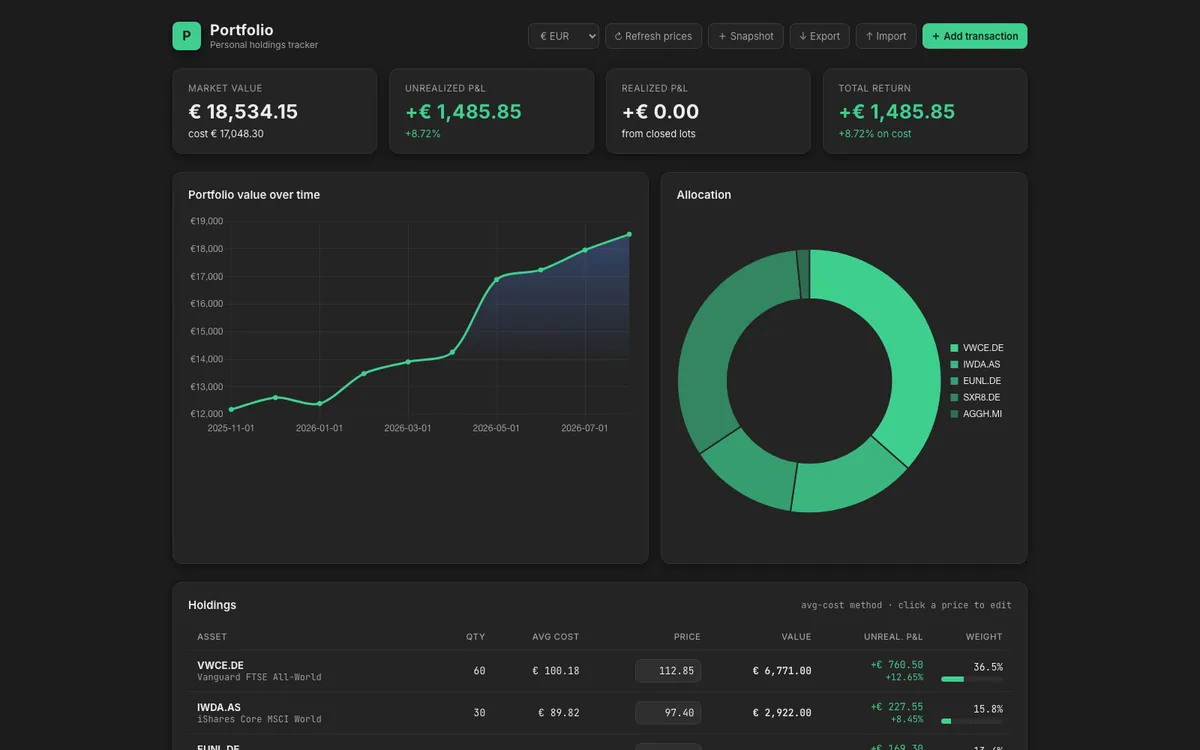
A browser-first holdings tracker for stocks and ETFs, designed around local data, import/export, live quotes, readable financial state, and a deliberately private data model.
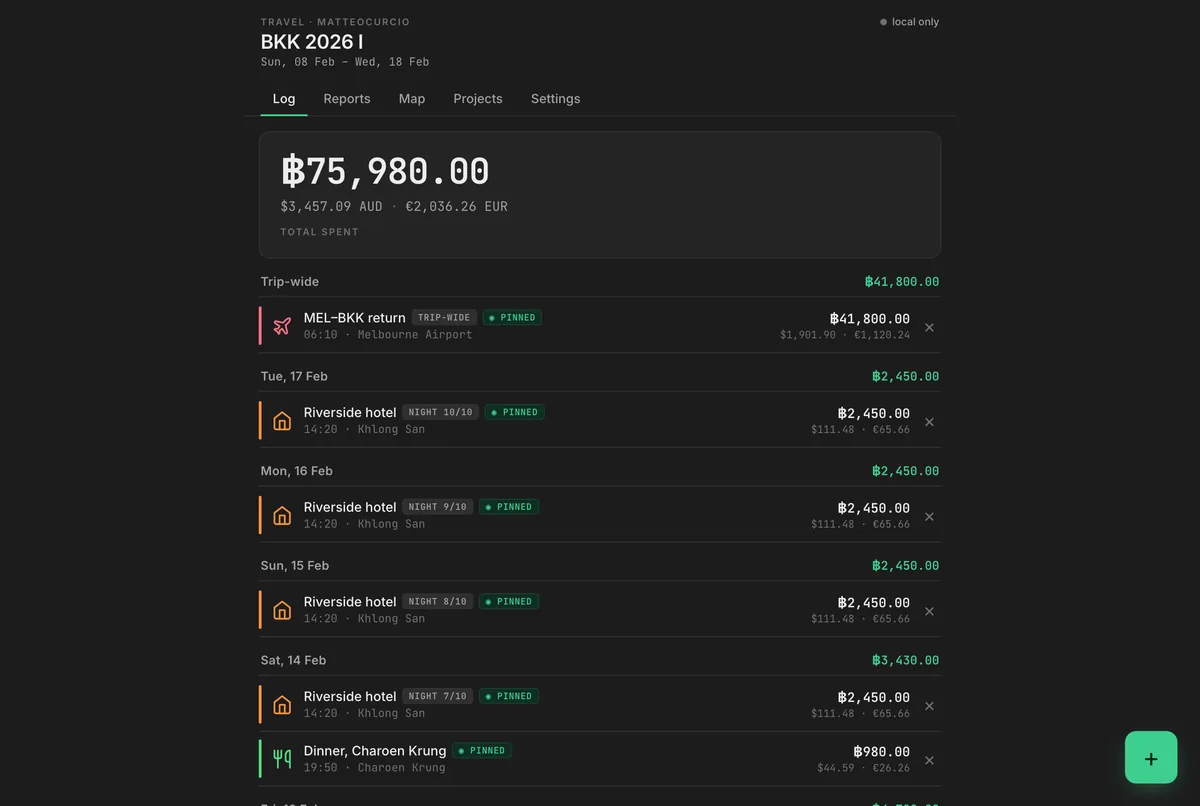
A mobile-first travel expense tracker designed around the reality of travelling: no signal, quick entry, trip budgets, currency conversion, maps, reports, and sync that waits its turn.
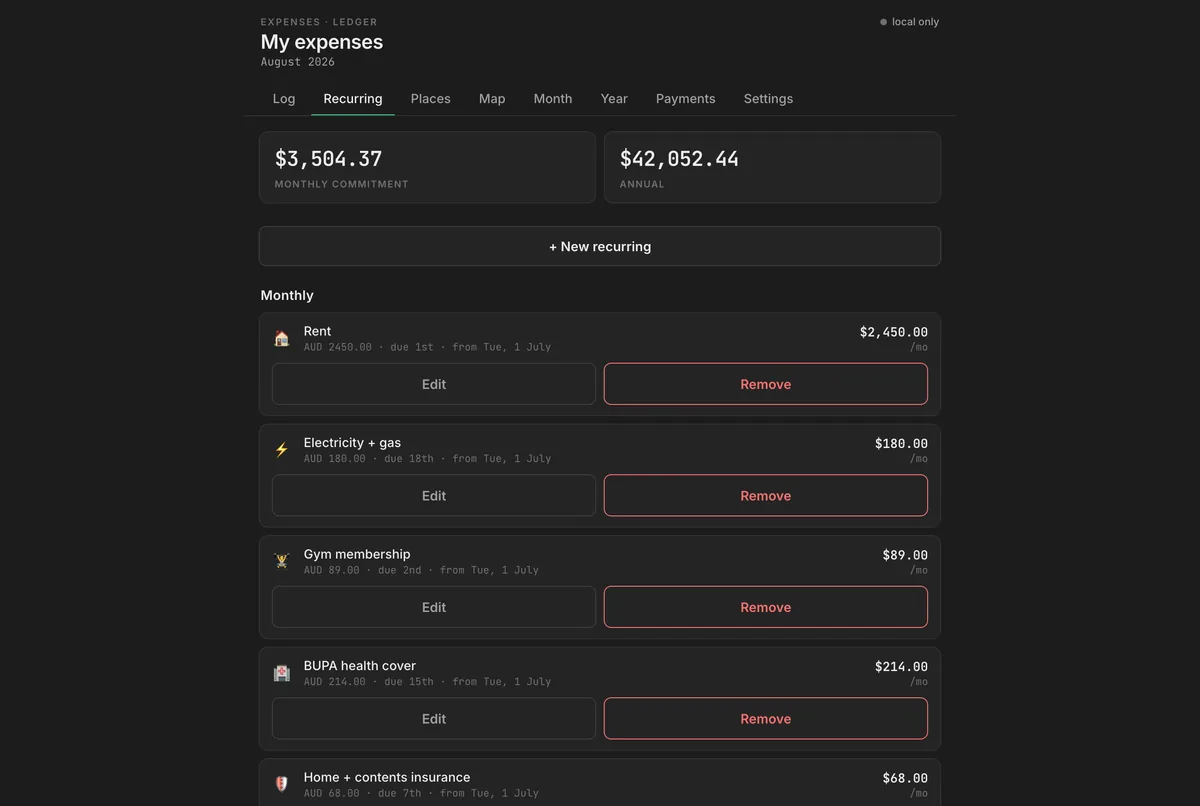
A private living costs tracker for recurring and one-off expenses: monthly commitments, everyday costs, categories, projections, places, and a shared interface language carried across the rest of my tools.
Layout systems, satellite imagery, and a studio built by an agent.
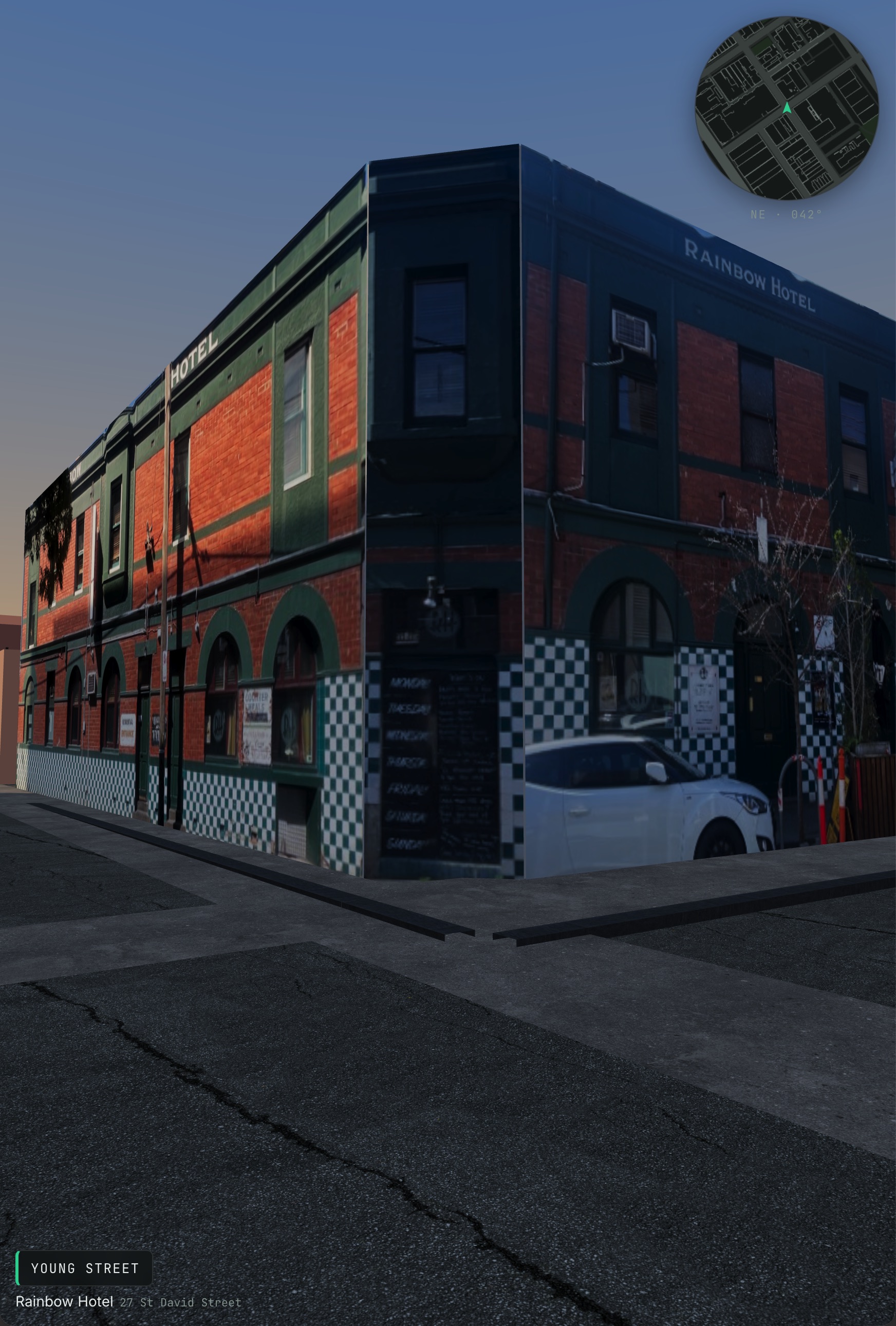
A low-poly walk through Fitzroy built from council building data and OpenStreetMap streets, with photo-textured facades added one building at a time.
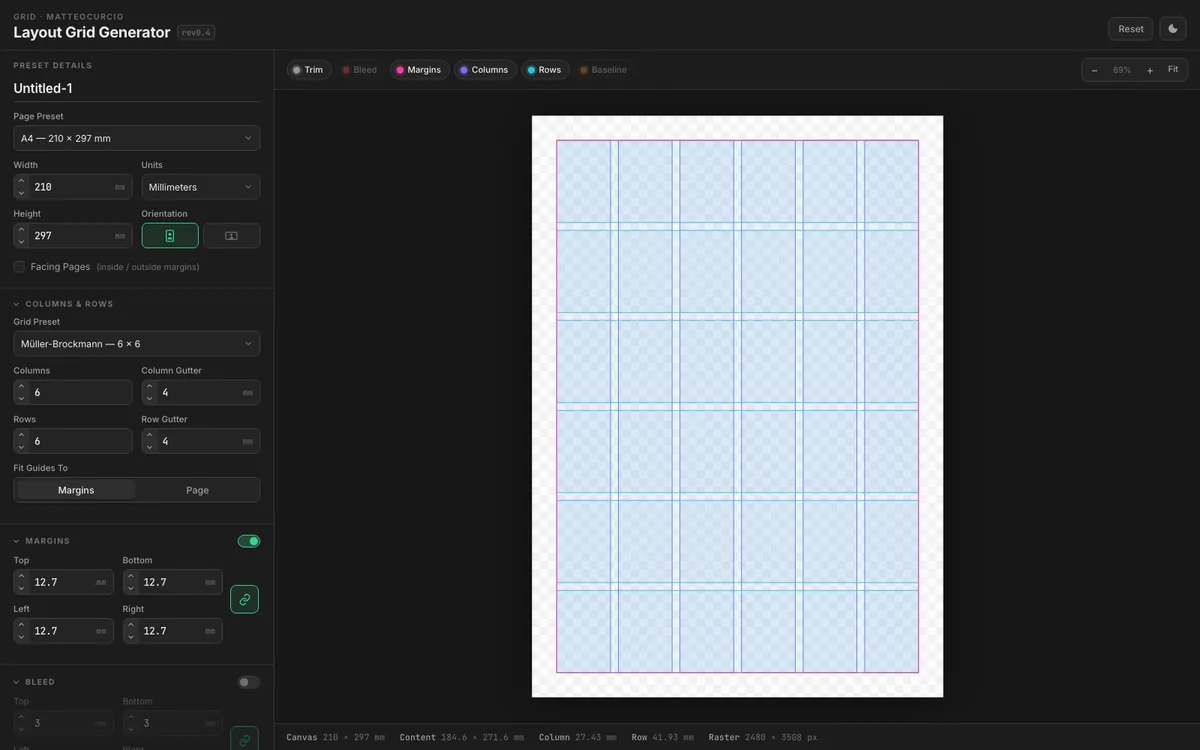
A layout grid generator for print and screen work: page presets, margins, bleed, columns, rows, baseline grids, measurement overlays, and clean exports shaped around designer expectations.
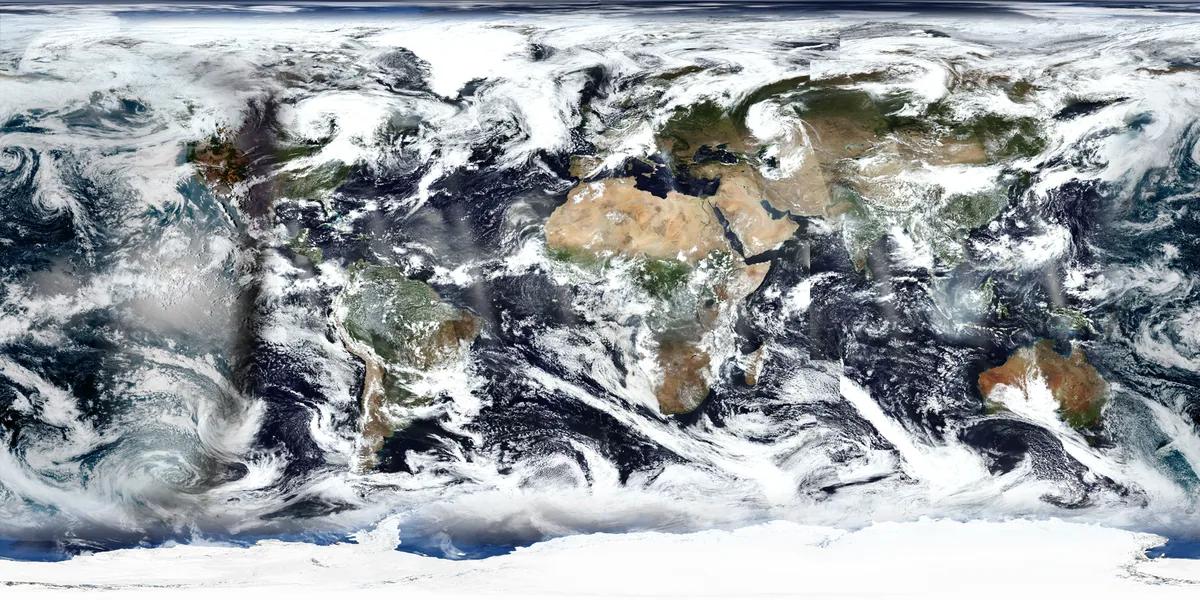
A portable view of our shared planet for installations, education and creative work. Recent satellite imagery, dated gap fill and a static geographic background, with an API designed to travel between tools.
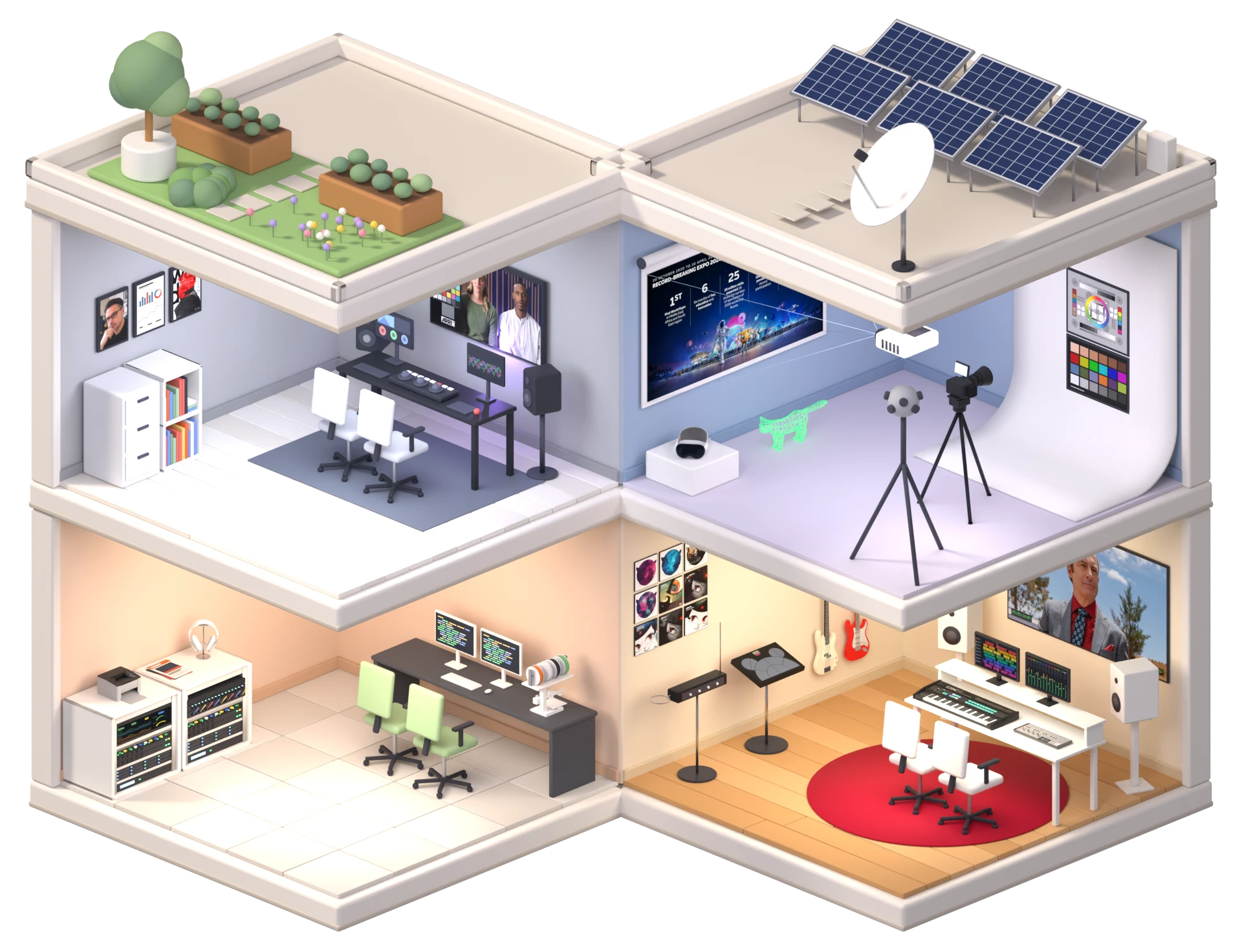
The isometric studio on the home page: modelled, lit and rendered in Blender by an AI agent over MCP, with object and room passes that make every piece of furniture a link.
Displays, racks and shelves: the physical side of keeping things running and findable.
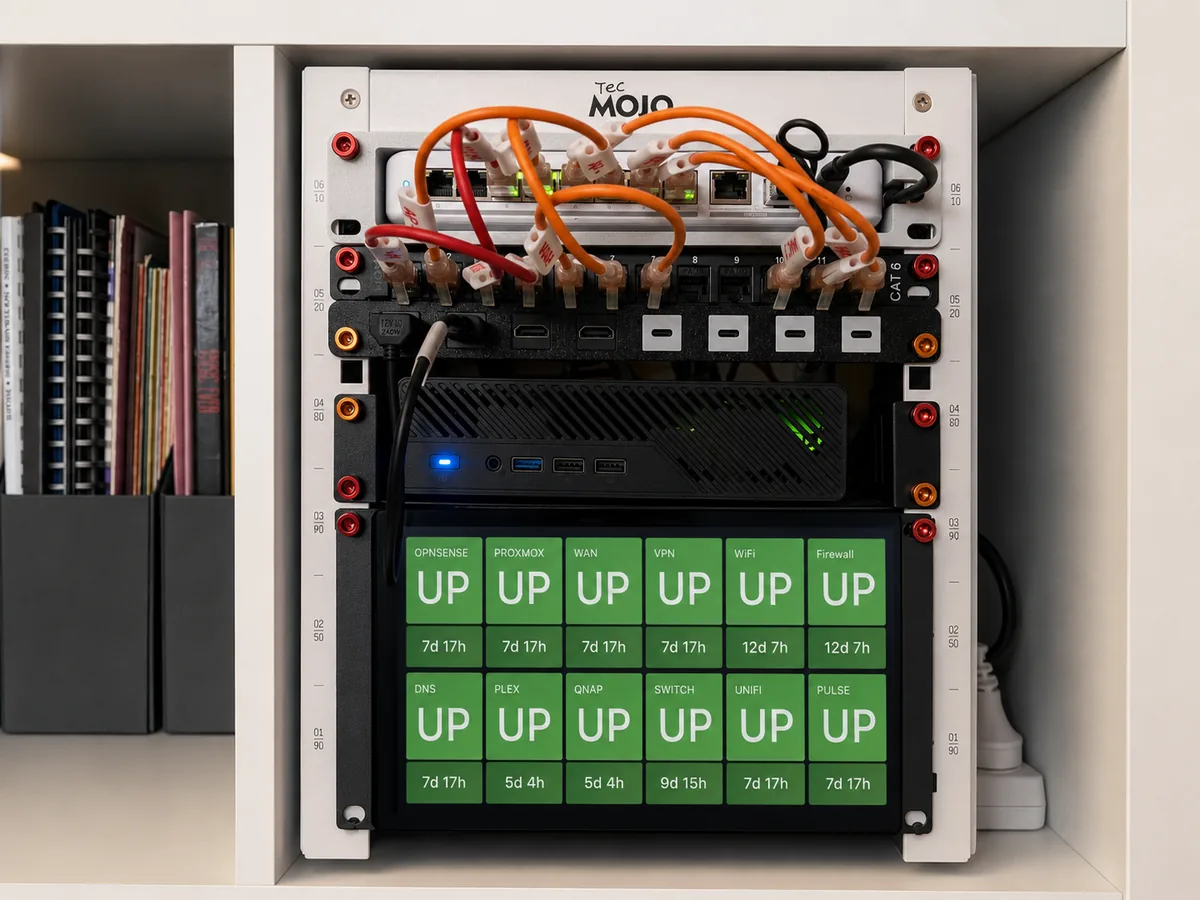
A rack-mounted observability kiosk for the homelab: Proxmox, logs, metrics, backups, network state, and a small Pi display that works like a miniature NOC.
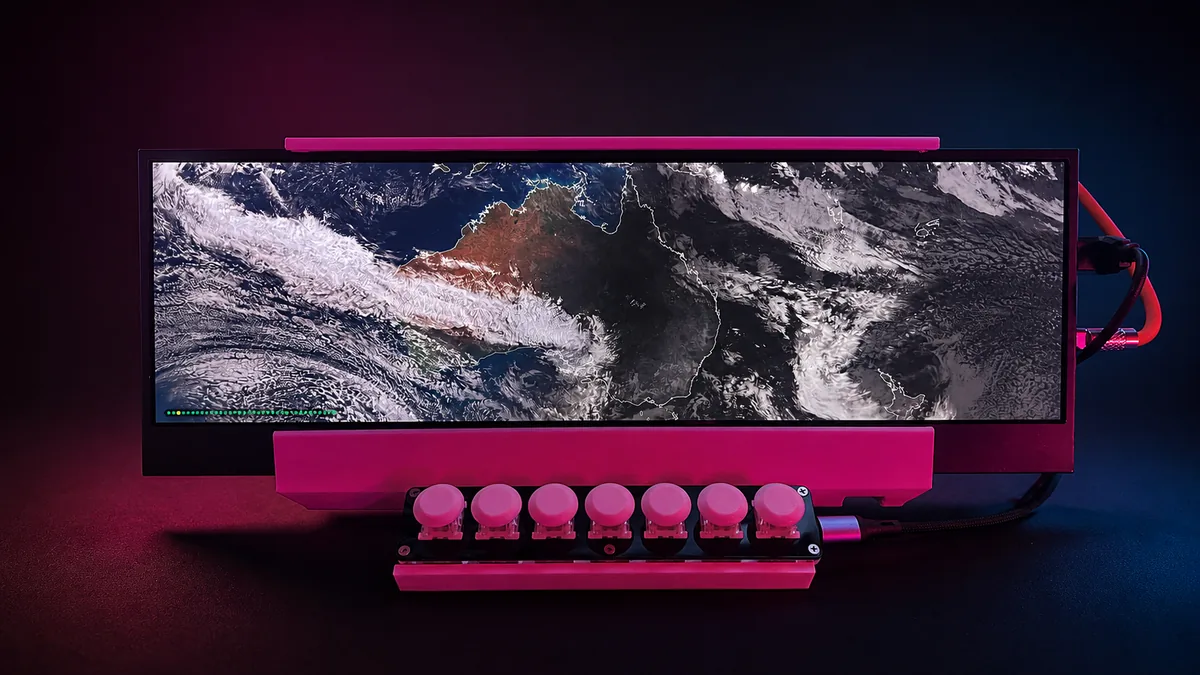
An ultrawide home information kiosk with calendar, transport, weather, satellite, system status, clocks, living costs, and physical seven-key navigation.
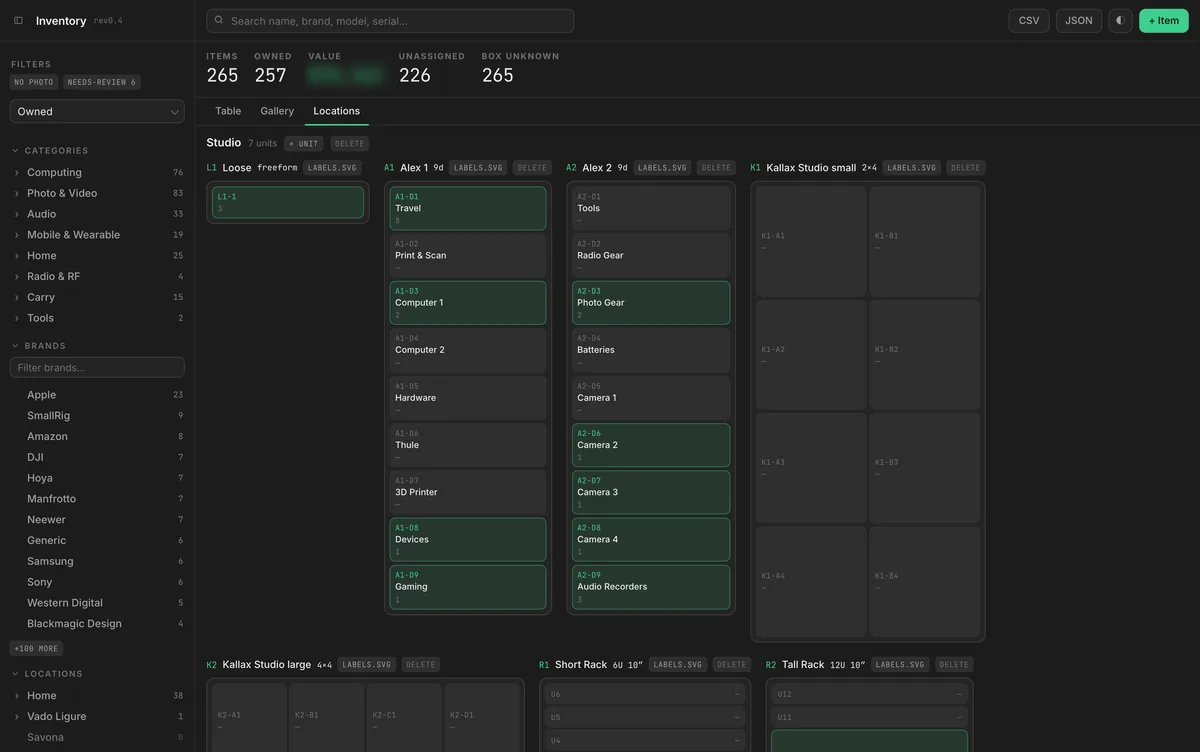
A private inventory mapped onto the real furniture: drawers and shelves drawn as they are, permanent labels, and a small Cloudflare setup that keeps it cheap to run.
Where it started
I started with Visual Basic, and studied some computer science at university before being thrown into workflow work in fintech, right in time for the Y2K bug. It was a crash course in how much a system rests on assumptions nobody wrote down, and how much work it takes to find them before they find you.
Post-production took over after that, but the habit stayed. Python became what I reach for when a folder of files, an export or an API needs sorting out, and the instinct for where a process will break turned out to be useful in a grading suite too.
How I build now
These days much of the implementation is done with AI coding agents. I write the brief, set the constraints, decide the architecture and review what comes back. The part that still takes the time is the part it always did: defining the problem clearly enough that the tool has a reason to exist, and knowing when the output is wrong.
This site is built that way, including the isometric studio on the home page: modelled, lit and rendered in Blender by an agent driving it through MCP, then wired into the page so every object links to a section.
Where the problems come from
Twenty-five years of grading, finishing and delivery is where most of the problems come from: scopes for teaching, transcripts an editor can actually read, project structures that survive a handover.
A Certificate IV in Cyber Security from RMIT and the ISC2 Certified in Cybersecurity credential sit underneath the way I build: private data models, local-first storage, and a segmented homelab where the theory has to hold up.
Interaction design training through the Interaction Design Foundation shapes every tool here. Each one starts from what the person using it needs to see and do, not from what is easy to code.
Some problems are physical: a kiosk in a 3D-printed frame, a rack display that works like a miniature NOC, a map of which drawer the lens is actually in.
What's next
I'm now moving into technology for live events and installations: TouchDesigner for real-time visuals, Dante for audio over the network, and Q-SYS for control and processing. It is the same instinct pointed at a room instead of a timeline: signal flow, networks, and systems that have to work first time, in front of an audience.
If a tool is too heavy, too vague, or missing entirely, describe the friction. I'll tell you whether it is worth building.